1. Select the Manual radio button. The Manual screen appears.
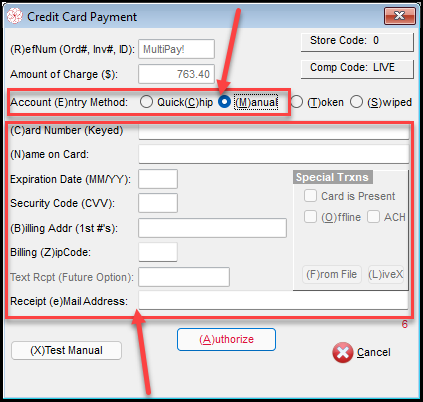
2. Type in all the necessary information and click Authorize.
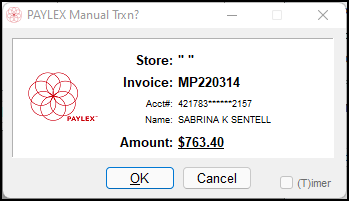
3. The Manual Trxn screen appears. Click OK if all information is correct.
4. The Approved Transaction will appear. Click OK.
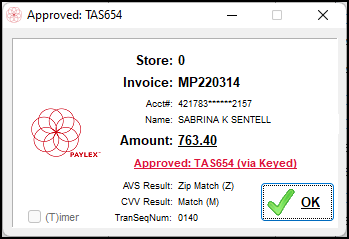
5. Each payment will appear separately. Click OK.
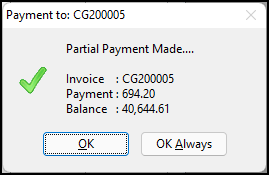
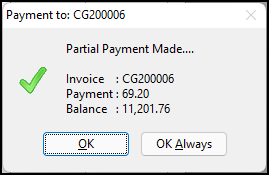
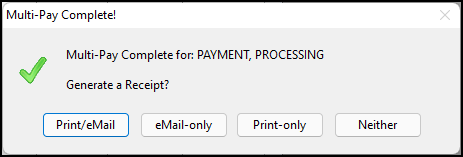
6. MultiPAY by running a manual transaction is complete. The choice to Email, Print, or Neither for the receipt will appear.