Setting up PAYLEX to be used in a Remote Desktop environment requires one additional setting to allow magnetic striped readers to work properly.
On the Remote Desktop Connection screen, click Show Options.
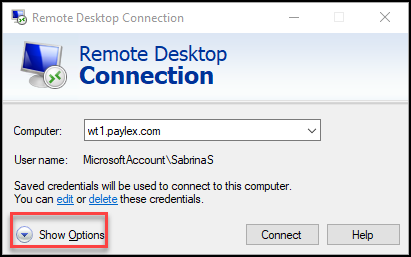
When the options appear, click the Local Resources tab.

Under the Keyboard section, select On this computer from the dropdown menu.

Click the General tab and in the Connection setting section, click Save.

The connection is ready to be made and the magnetic striped readers will work properly.