Go to an existing shortcut on your desktop for an RFMS program that starts in the RFMS folder.
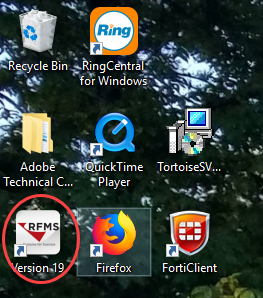
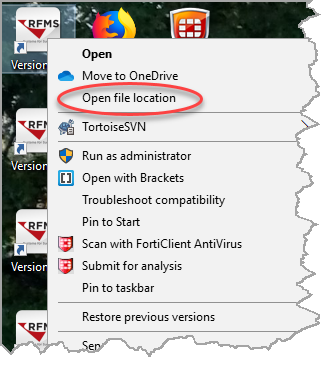
Right click on the shortcut. Click “Open file location”.
The RFMS folder will open. Search for RFMSccsA.exe.

Right-click on the file. Click Send To>Desktop (Create shortcut).