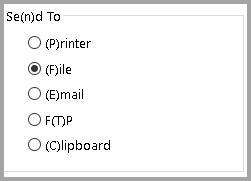
The Send To feature allows users to create many different files from the Batch Settlement browse screen and send them to several places.
From the Batch Settlement browse screen, click the Send To button  at the bottom left of the screen. The Send To screen will open.
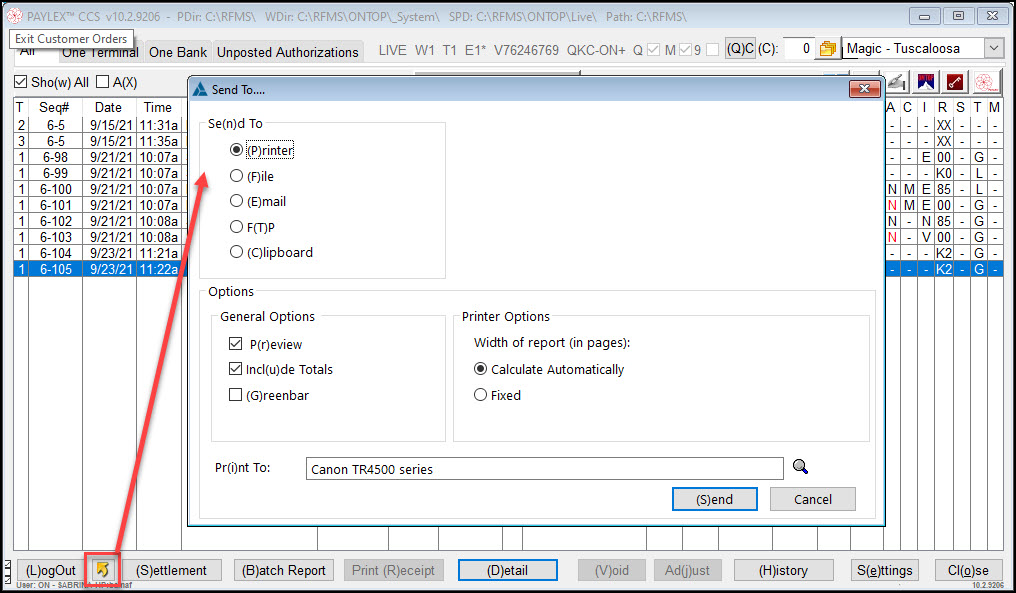
Send To Options
The selection made in the Se(n) To area is where the software will send the file. Other choices will open depending on which is selected on this screen.